Free course · 9 lessons · first 2 open, free enrollment for the rest
Learn React by building one real app
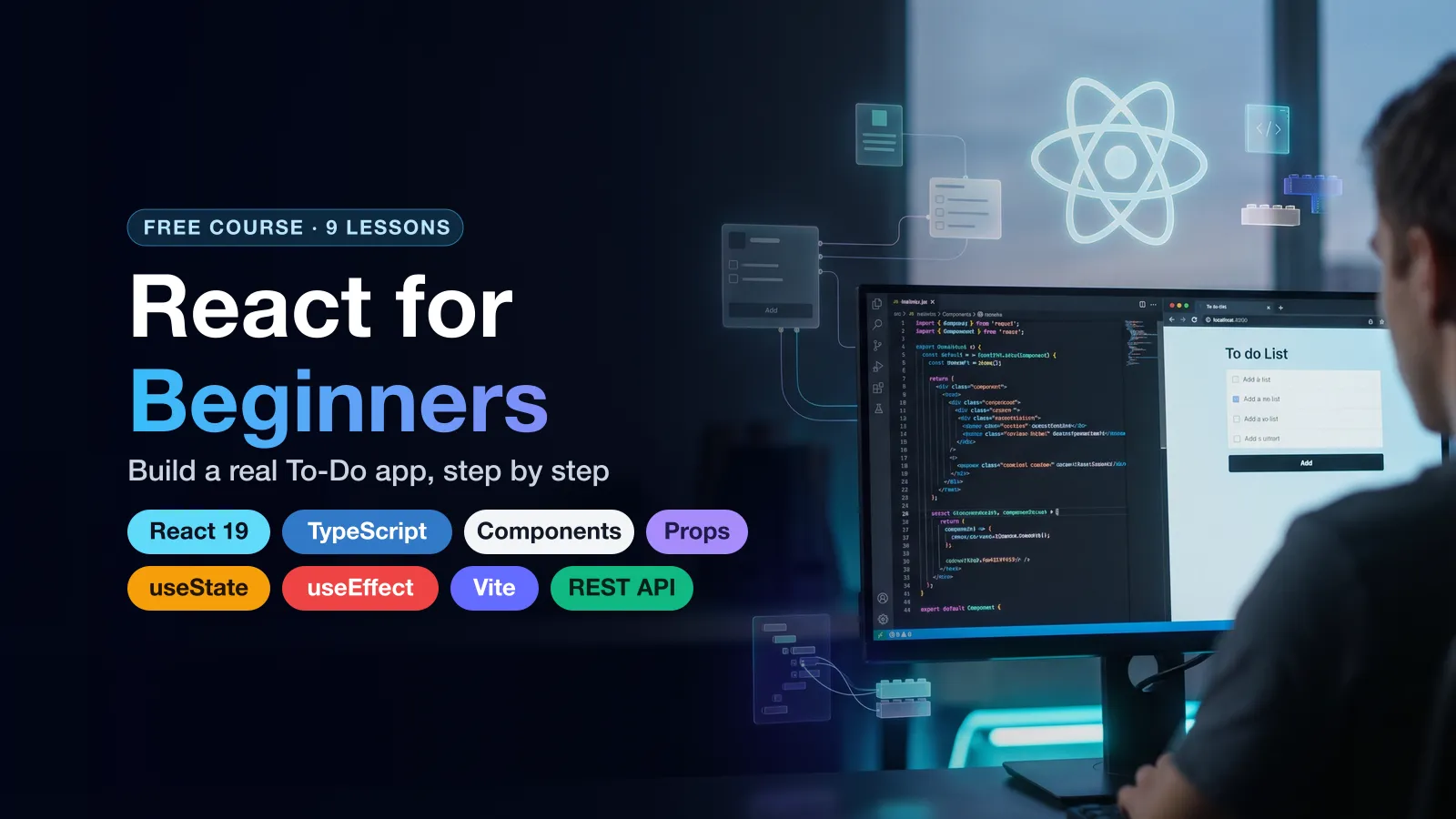
From "what is a component?" to a working To-Do app connected to a real backend. Plain English, one example from start to finish, and code we actually ran.
- React 19 with TypeScript
- Components and props
- State, events, forms and lists
- useEffect, fetching and custom hooks
- Connect to a real API with login
- Real pages with React Router
Why it works
Built so it actually sticks
One app, start to finish
Every lesson adds a piece to the same To-Do app, so each new idea has an obvious purpose.
Tested code
We built every step and used the app in a real browser, including against the Node.js course's API.
Know what to remember
Each lesson ends with a short "memorize this" list and a quick quiz.
The roadmap
Follow the trail, one part at a time
Each part builds on the one before. Your progress is saved in this browser, so you can pick up where you left off.
0 of 9 parts completed
Start the course- 1Part 1·7 minFree previewStart here
What Is React
What React is and why almost every web app uses it: components, props and state explained in plain English, using one simple To-Do app as the example.
- 2Part 2·8 minFree preview
React Setup with Vite and Bun
Create your first React app with Vite, TypeScript and Bun in 5 minutes, tour every file it makes, and learn the JSX rules that trip up beginners. All tested.
- 3Part 3·8 min Enroll to unlock
React Components and Props Explained
Build your first React components and pass data with props, using the task row of a To-Do app. How components, props and TypeScript types fit together.
- 4Part 4·9 min Enroll to unlock
React useState Explained
Learn useState and events in React: make a counter, then a working 'add task' form with a controlled input. Why you never change state directly, made simple.
- 5Part 5·9 min Enroll to unlock
React Lists, Keys and Conditional Rendering
Show lists with map and keys, tick off and delete items, filter All/Active/Done and show empty states, all in one To-Do app. Plus lifting state up, simply.
- 6Part 6·9 min Enroll to unlock
React useEffect Explained
Learn useEffect in plain English: save tasks to localStorage, fetch data with loading and error states, and understand the dependency array and cleanup.
- 7Part 7·11 min Enroll to unlock
Connect React to a Backend API
Connect a React app to a real Express API: an API helper, a login form, a custom useTasks hook, and create, update and delete calls. Tested end to end.
- 8Part 8·13 min Enroll to unlock
React Router Tutorial
Add pages to a React app with React Router 8: routes, links, URL and search params, a protected route, a 404 page and deploy tips. Tested, beginner friendly.
- 9Part 9·8 min Enroll to unlock
React Best Practices for Beginners
The React habits that matter: folder structure, common mistakes, the rules of hooks and how to build and deploy, as a beginner checklist and cheat sheet.
- 10Styling with Tailwind CSSComing soon
- 11Testing React componentsComing soon
- 12Deploy your React appComing soon
Who it's for
Made for you if…
Students and freshers
You know a little HTML, CSS and JavaScript and want to build real web apps.
Backend developers
You build APIs and want to build the screens that use them, too.
Switching to tech
You want a calm, jargon-free start to frontend development.
FAQ
Questions students ask
Is this React course free?
Yes, completely free. The first two lessons are open to everyone; sign in with Google, GitHub or email and enroll (also free) to read the rest. Enrolling also saves your progress across devices.
What do I need to know first?
Basic HTML and CSS, and JavaScript basics: variables, functions, arrays (map, filter), objects and arrow functions.
Do I need the Node.js course?
Only for lessons 7 and 8, where the app connects to the backend from that course and gets real pages. Lessons 1–6 build a complete app that runs in the browser on its own.
Why TypeScript?
It catches mistakes while you type, like a misspelled prop, and makes components self-explaining. We keep it light: just the types you need.
Which tools do you use?
React 19, TypeScript, Vite to run and build the app, and Bun to install packages (each lesson shows the npm commands too).
Start with Lesson 1: What is React?
About 1 hour 22 minutes for the whole course. Your progress is saved in this browser as you go.