Free course · 10 lessons · first 2 open, free sign-in for the rest
Azure, explained for data engineers
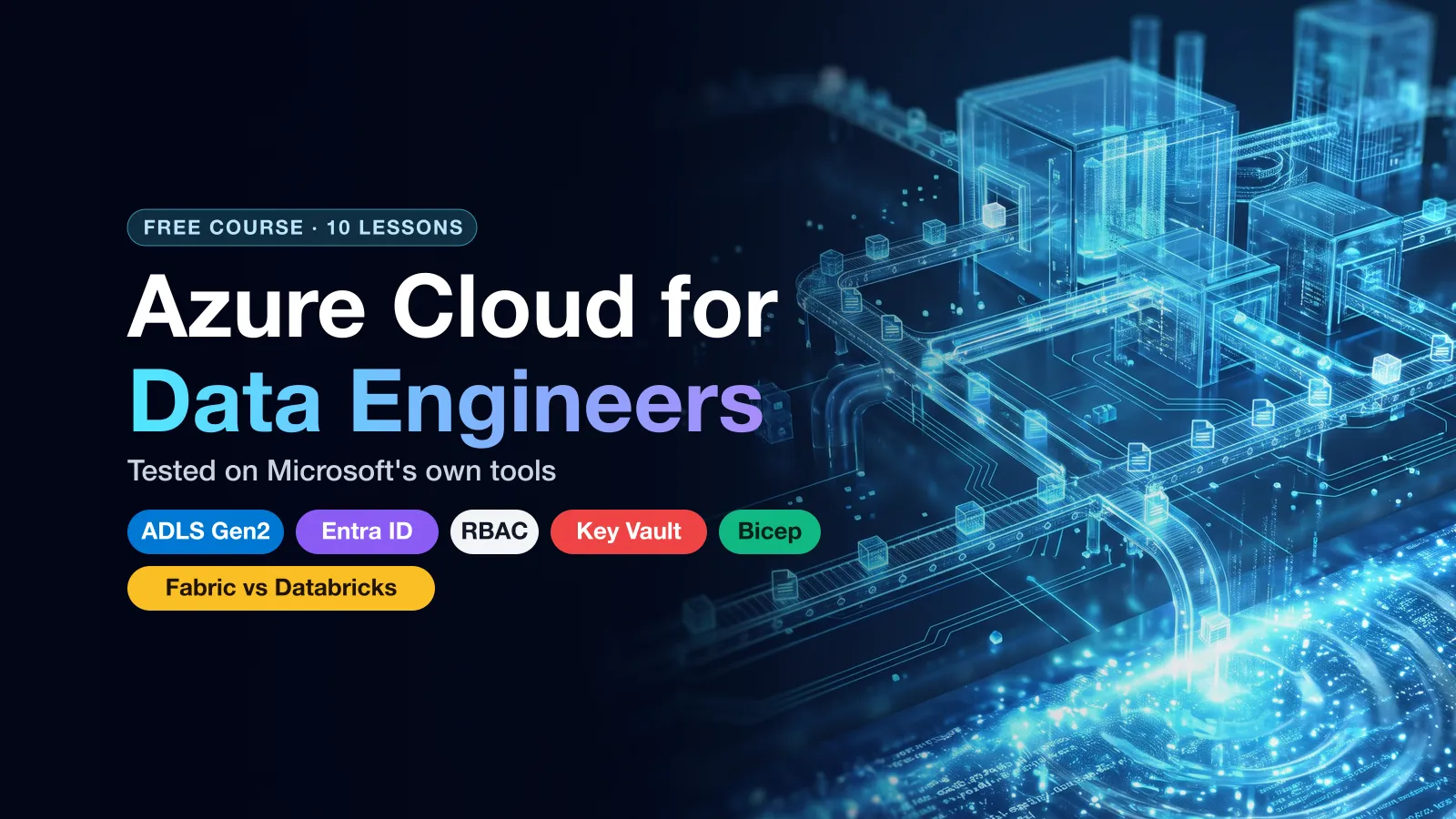
Plain English, ShopKart's data platform as the running example, code run on Microsoft's own emulators (Azurite, SQL Server, Event Hubs) and Bicep validated with Microsoft's tools.
- How Azure is organised and priced
- ADLS Gen2: containers, folders, tiers
- Entra ID, RBAC and managed identities
- Key Vault and SAS tokens (tested)
- Deploy a data platform with Bicep
- Azure SQL, Event Hubs, private endpoints, monitoring and cost
Why it works
Built so it actually sticks
One real example
ShopKart's lake, vault and factory, from storage folders to least-privilege role assignments.
Tested, honestly labelled
Storage ran on Azurite, SQL on SQL Server 2022 and events on Microsoft's Event Hubs emulator; Bicep passed Microsoft's linter and build. Anything needing a live subscription is clearly marked.
Built for interviews
Every lesson has a 'memorize this' box and interview questions tagged from fresher to 3+ years.
The roadmap
Follow the trail, one part at a time
Each part builds on the one before. Your progress is saved in this browser, so you can pick up where you left off.
0 of 10 parts completed
Start the course- 1Part 1·10 minFree previewStart here
Azure for Data Engineers
Azure explained for data engineers: tenants, subscriptions, resource groups and regions, the data services you'll actually use, how pricing works, and ShopKart's data platform on Azure.
- 2Part 2·13 minFree preview
Azure Data Lake Storage Gen2 Tutorial
Learn ADLS Gen2 and Blob Storage: storage accounts, hierarchical namespace, containers, lake folder layout, access tiers, redundancy, and Python code we ran on Azurite.
- 3Part 3·12 min Enroll to unlock
Azure Security for Data Engineers
Secure Azure data the right way: Entra ID, role-based access control, managed identities, Key Vault, DefaultAzureCredential and SAS tokens, with a real read-only SAS test.
- 4Part 4·12 min Enroll to unlock
Azure Bicep for Data Engineers
Write Bicep to deploy ADLS Gen2, Key Vault and Data Factory with managed identity and role assignments, then lint and build it, including the mistakes the linter caught.
- 5Part 5·12 min Enroll to unlock
Azure Data Services Compared
Which Azure data service when? Data Factory, Databricks, Synapse, Microsoft Fabric, Azure SQL, Event Hubs and Stream Analytics compared, with a reference architecture for ShopKart.
- 6Part 6·13 min Enroll to unlock
Azure SQL Database for Data Engineers
Azure SQL for data engineers: serverless with auto-pause, Entra ID-only sign-in, control tables, the watermark procedure, MERGE upserts and columnstore, run on SQL Server 2022 locally.
- 7Part 7·12 min Enroll to unlock
Azure Event Hubs for Data Engineers
Stream events on Azure: Event Hubs namespaces, partitions, consumer groups, checkpoints and the Kafka endpoint, with Python code we ran on Microsoft's Event Hubs emulator.
- 8Part 8·11 min Enroll to unlock
Azure Networking for Data Engineers
Keep data off the public internet: virtual networks, subnets, private endpoints for ADLS and SQL, private DNS zones and firewalls, with Bicep validated by Microsoft's tools.
- 9Part 9·11 min Enroll to unlock
Azure Monitoring and Cost Management for Data Pipelines
Watch and control a data platform: Log Analytics, diagnostic settings, KQL queries for failed pipelines, metric alerts, action groups and budgets, deployed with validated Bicep.
- 10Part 10·15 min Enroll to unlock
Azure Data Engineer Interview Questions and Answers
30+ Azure data engineer interview questions with answers: ADLS Gen2, security, Bicep, Azure SQL, Event Hubs, networking, monitoring, cost and service choices, plus scenarios.
- 11Microsoft Fabric hands-onComing soon
- 12Terraform for Azure data platformsComing soon
Who it's for
Made for you if…
Students and freshers
You know a little SQL and want a data engineering or analytics job.
Switching roles
You're a developer, analyst or tester moving into data engineering.
Working engineers
You work on Azure already and want to fill gaps before your next interview.
FAQ
Questions students ask
Is this Azure course free?
Yes. The first two lessons are open to everyone; sign in and enroll (also free) to read the rest.
Do I need an Azure subscription?
Not to follow along: storage code runs on Azurite and Bicep builds offline. To deploy for real you need a subscription (Azure for Students needs no card).
What should I know first?
Basic Python and SQL. Our ADF and Databricks courses pair well with this one.
Start with Lesson 1: Azure for data engineers
About 2 hours 1 minute for the whole course. Your progress is saved as you go.